PixelDancer
Keep your Mac awake — with or without the lid open

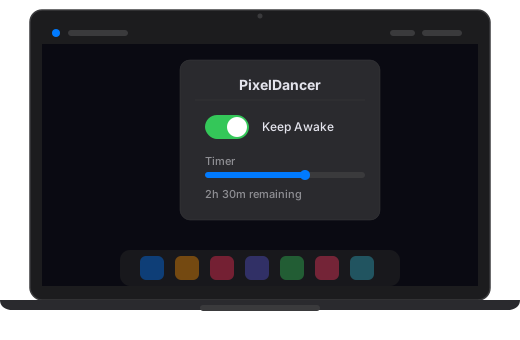
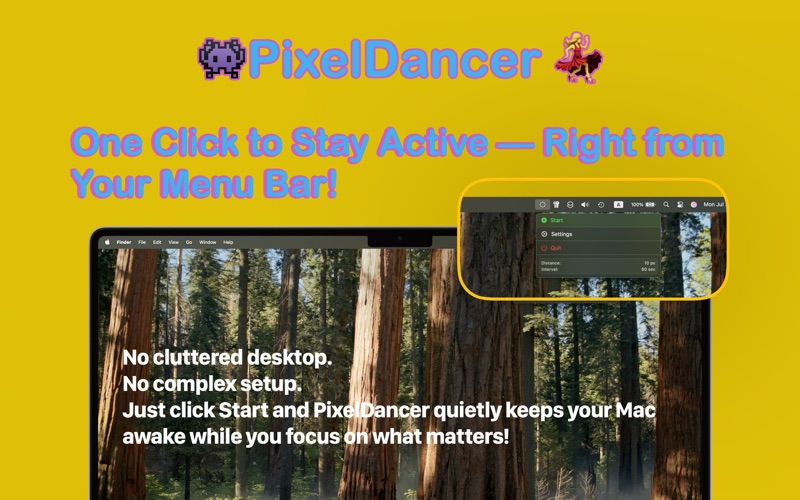
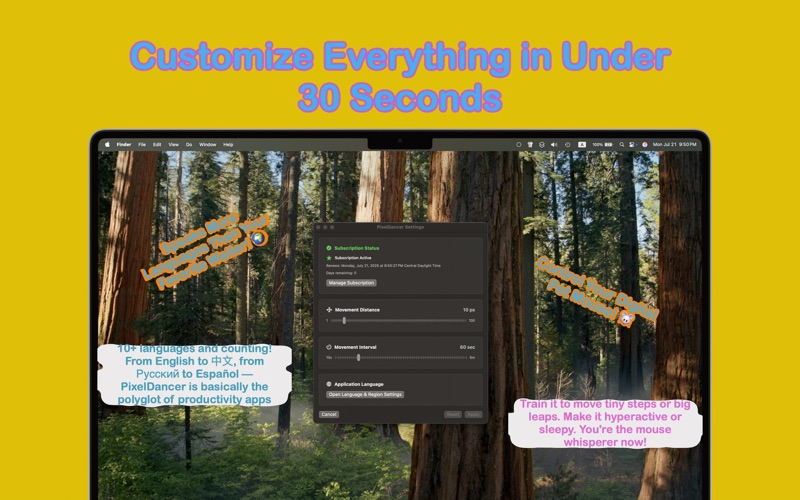
PixelDancer is a small, friendly menu-bar utility that keeps your Mac active when you need it to stay alert — for AI agents, presentations, long downloads, builds, and everything in between.
Two modes for different jobs
- Dancer Mode moves your mouse cursor on a timer. Perfect for fooling Slack/Teams status, fake “away” detectors, or any tool that watches for user input. Lightweight, idle-only.
- Agent Mode holds the system awake without touching the cursor. Built for long-running tasks — AI agents, model training, large renders, downloads, builds. Optional session length with auto-stop.
What’s new in v2.0
- Agent Mode with session timer, end-action (stop / sleep / shutdown), and clamshell awareness
- Native macOS notifications when sessions end, with a Restart button
- Schedule mode redesigned around a clean state model
- Themes and icon styles reorganised under Settings
Closed-lid sleep prevention
Apple’s sandbox prevents the App Store version of PixelDancer from disabling system sleep directly — that needs admin-level privileges no sandboxed app can hold. To get closed-lid sleep prevention working on battery without an external display, install the free PixelDancer Power Helper — a small companion that adds the missing capability. One-time install, then PixelDancer’s Agent Mode handles closed-lid mode automatically.
For desktop Macs, clamshell-mode setups with an external display, or anyone fine with the lid open, the base PixelDancer alone is enough.
Perfect for
- Vibe-coders running AI agents on long tasks
- Big renders, model training, ML pipelines
- Presentations, demos, video calls
- File transfers, downloads, backups
- Anything where you want the Mac to “just stay on”
Safety
PixelDancer runs entirely on your Mac. No telemetry, no analytics, no internet access. The app is sandboxed per Apple’s rules.
Screenshots